Design notes
How After Effects does it and why, then what we did instead.
Every note
 Why not copy After EffectsWe kept the best of After Effects and changed course only where its history holds it back.
 Bones without expressionsIn After Effects, bones are pieced together from layers and expressions; in Keyframe a skeleton is a layer, solved by the editor itself.
 Splitting layers in the editorIn After Effects, layers are split in Photoshop first; Keyframe splits a picture into layers you can animate, in the editor, and keeps the original.
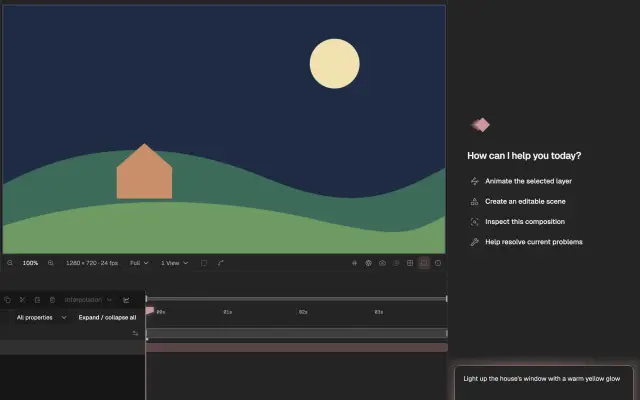 The Agent drafts firstAfter Effects’ AI Assistant edits the project directly; Keyframe’s Agent uses the operations you use and makes a draft that you look at before applying.
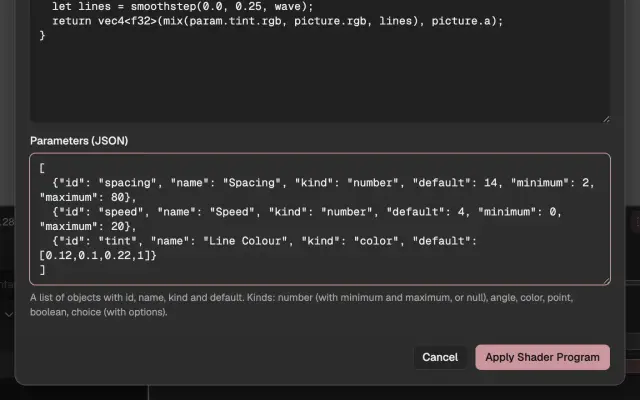 Pictures written as codeIn After Effects, writing a shader means compiling a plug-in; in Keyframe the program is data in the project, run in a sandbox on your graphics card.
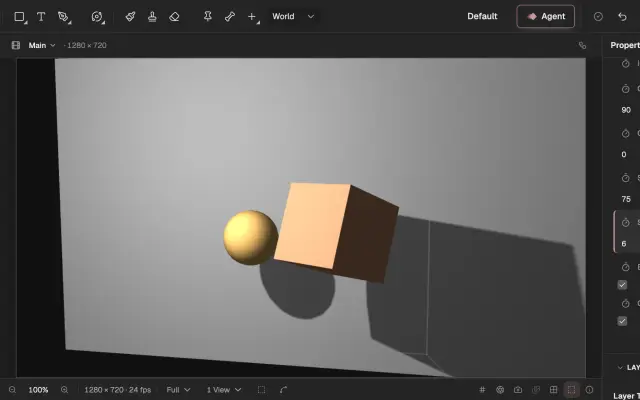 No plug-ins neededMany of After Effects’ features come from third-party plug-ins; Keyframe builds them into the editor, so a project opens the same on any computer.