Learn Keyframe
What it does, what it makes, how it differs from After Effects, and how to make your own.
See what it does
One page per feature, and films made with it.
Features
See all Features Turn a picture into layers you can animateClick the subject and Keyframe cuts the picture into subject, shadow and background, free on your device.
 Rig a 2D character with bones, IK and meshesDraw bones over your character, pull a paw and let IK bend the leg, then animate it with keyframes.
 Animate with one sentenceDescribe the motion; the Agent builds it as a draft of real layers and keyframes you apply or discard.
 Shader effects for animation, on a timelineWhen no effect makes what you need, write it as code and keyframe its settings on the timeline.
Showcase
See all Showcase Water caustics shader: light on shallow waterRipples focus the sun into moving nets of light on a sandy bed.
 Grass wind shader: a meadow at golden hourWaves of wind roll through tall grass up a hill in low golden sun.
 Smoke shader: incense smoke in a beam of lightIncense smoke breaks into curls and glows where it crosses a shaft of light.
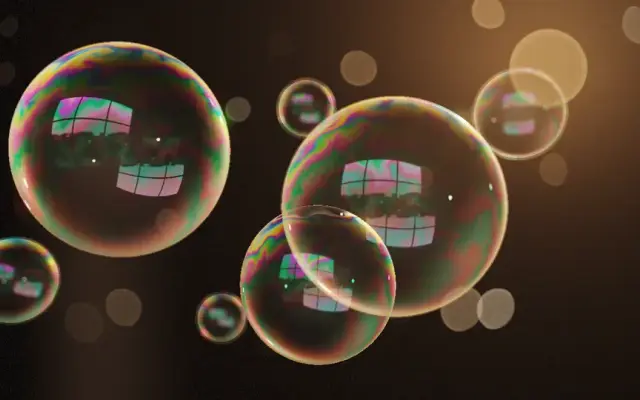 Soap bubble shader with thin-film interferenceColours swirl over soap bubbles until one thins to black and bursts.
 Frost shader: ice crystals growing on glassFrost feathers grow across a cold window, a warm room glowing behind.
Compare it with After Effects
What works the same, what differs and why.
Compare
See all Compare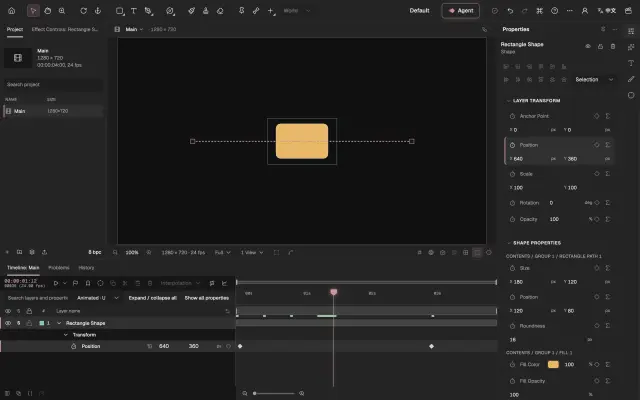
Design notes
See all Design notes Why Keyframe doesn’t copy After Effects everywhereWe kept the best of After Effects and changed course only where its history holds it back.
 Bones without expressions: how Keyframe rigs a characterIn After Effects, bones are pieced together from layers and expressions; in Keyframe a skeleton is a layer, solved by the editor itself.
 From one picture to layers you can animate: why splitting lives in the editorIn After Effects, layers are split in Photoshop first; Keyframe splits a picture into layers you can animate, in the editor, and keeps the original.
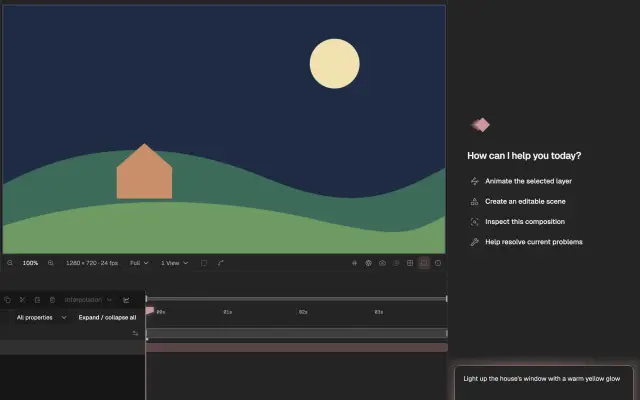 Why the Agent gives you a draft first: how AI takes part in editing in KeyframeAfter Effects’ AI Assistant edits the project directly; Keyframe’s Agent uses the operations you use and makes a draft that you look at before applying.
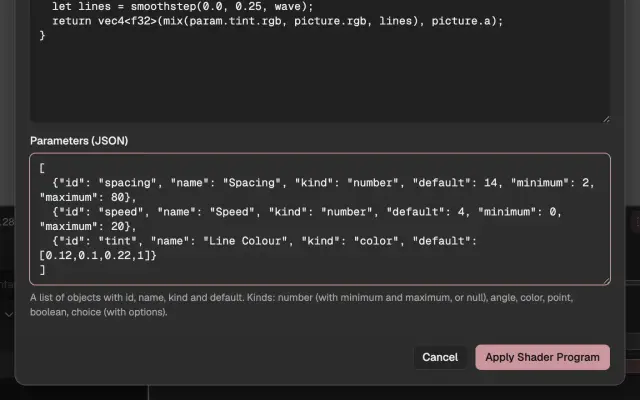 Pictures written as code: why Keyframe’s shaders are project dataIn After Effects, writing a shader means compiling a plug-in; in Keyframe the program is data in the project, run in a sandbox on your graphics card.
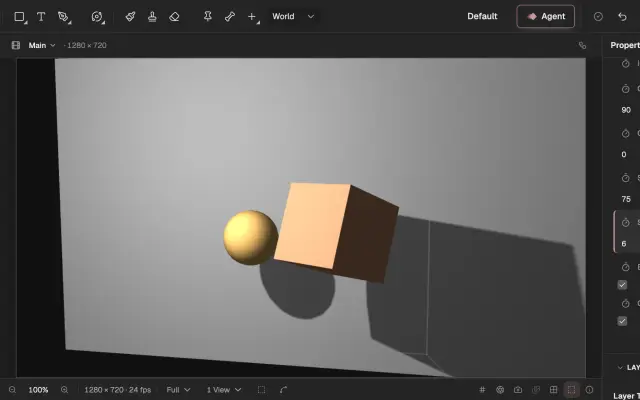 No plug-ins needed: why Keyframe builds its features into the editorMany of After Effects’ features come from third-party plug-ins; Keyframe builds them into the editor, so a project opens the same on any computer.
Make one yourself
From one picture to a finished animation, step by step.

Look something up
The manual: every panel, tool and setting, chapter by chapter.