Turn a picture into layers you can animate
Drop in an AI illustration or a photo, click the subject, and Keyframe cuts it into the subject, its shadow and a clean background. It runs on your device, for free. When you need more layers, AI separation is the upgrade.
Free on your device: subject, shadow, background
Animation needs layers: a character that moves has to be separate from what is behind it, and the background has to be whole where the character used to stand. One click on the subject gives you exactly that.
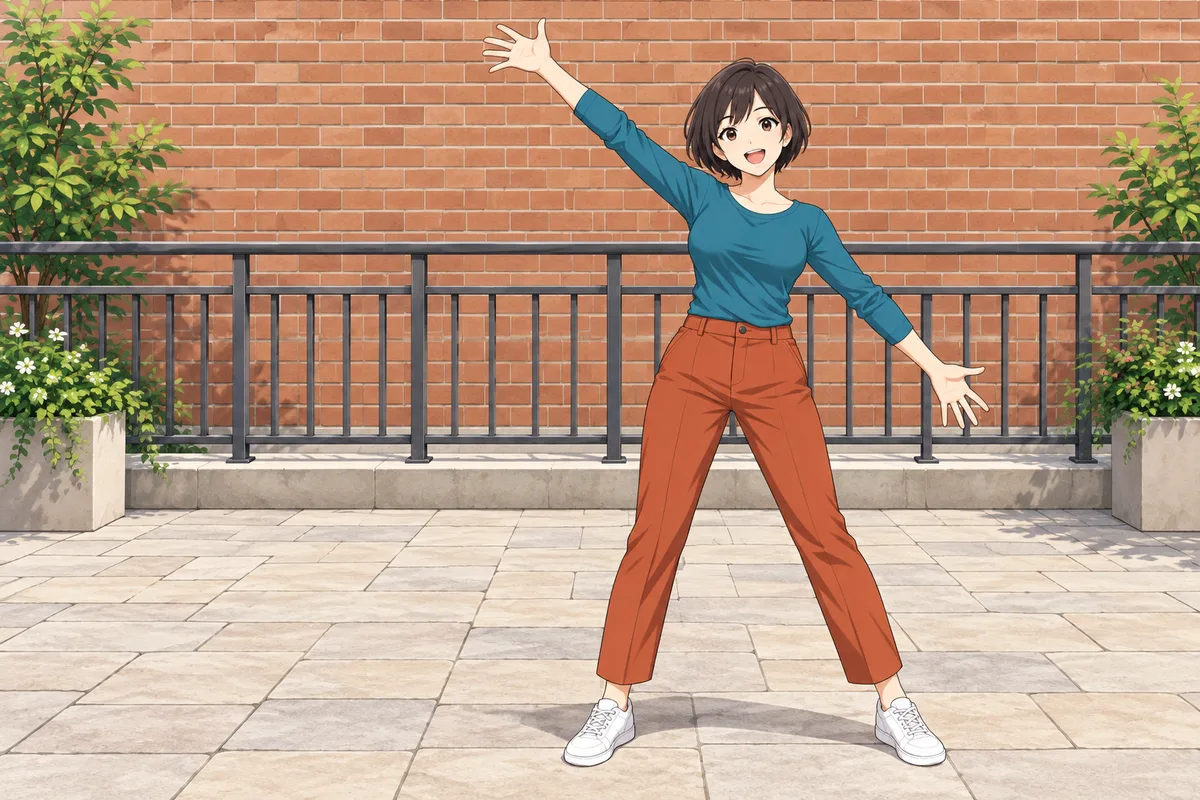
- The pictureFrom an image generator
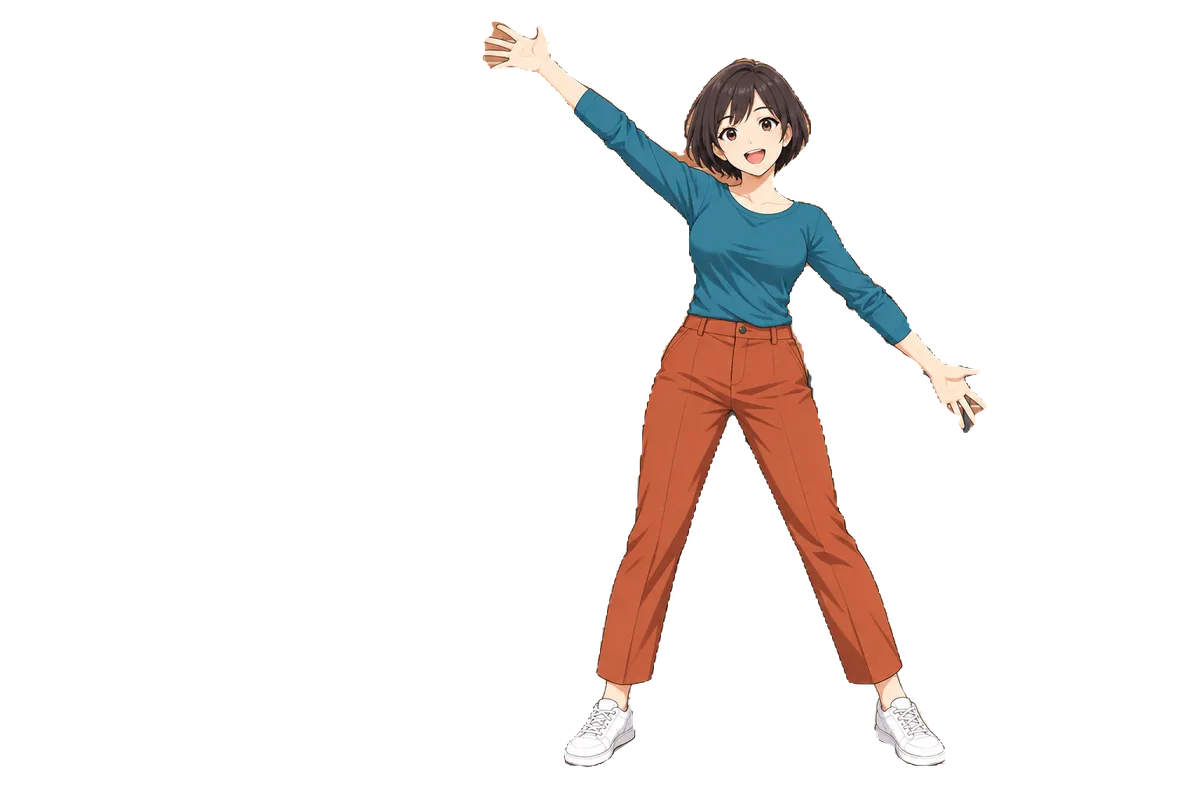
- SubjectCut from the picture’s own pixels
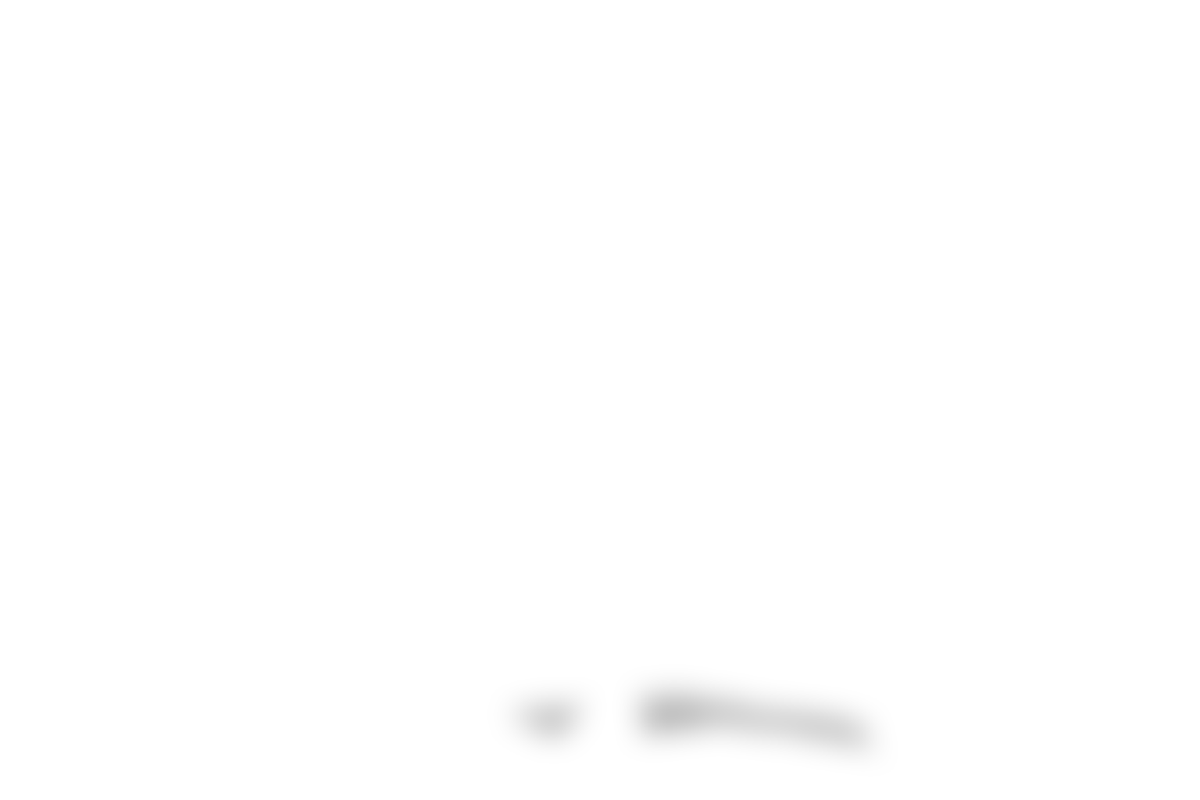
- ShadowIts own layer, shown here over the background
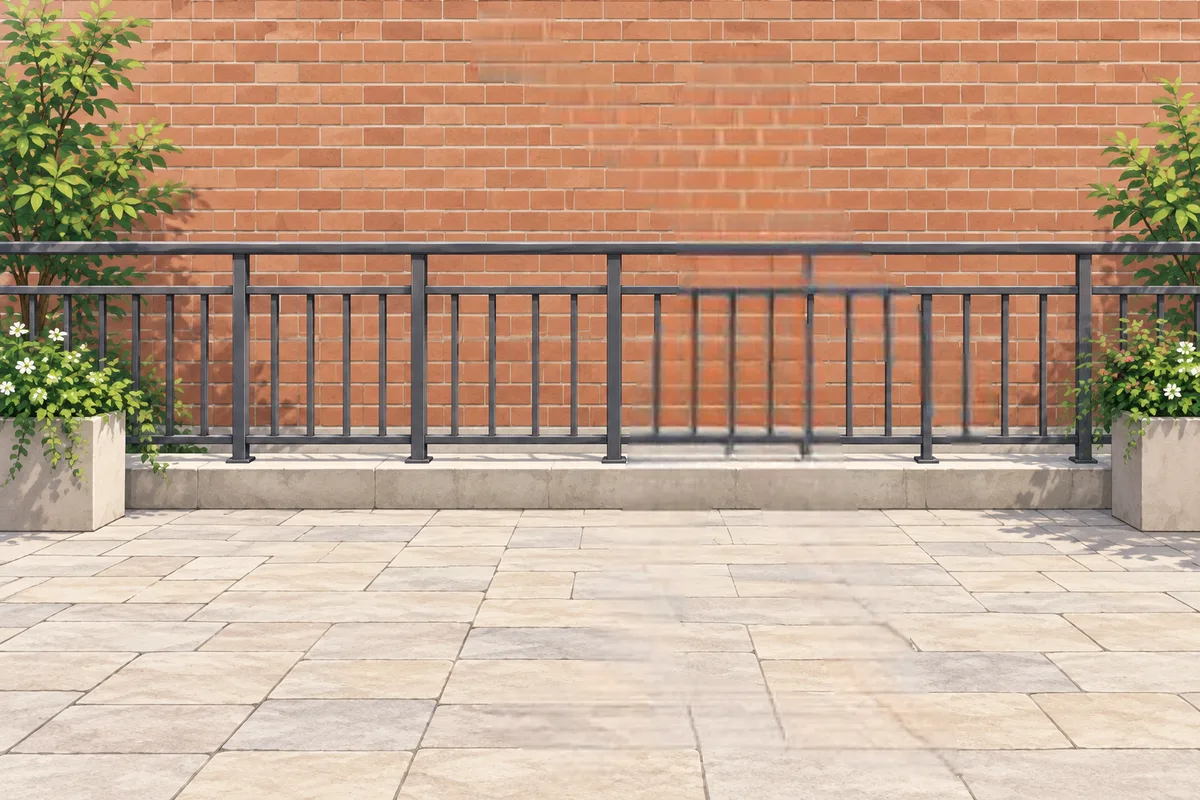
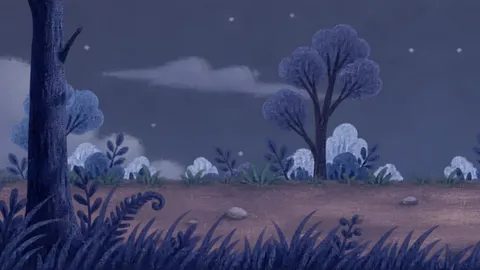
- BackgroundFilled in behind her by LaMa
Select the picture’s layer, open Layer Settings in Properties and choose Separate layer.
Click the subject on the picture. Add up to four points if the first one misses a part.
Choose Cut out subject. A segmentation model finds the subject and LaMa paints the background behind it, both in your browser. Nothing is uploaded.
Review the layers. Each one comes with an automatic check; untick any you don’t want and import the rest.
What happens when you click
- YouClick the subject
- On your deviceFind the subjectA segmentation model, from the point you clicked
- The editorFind its shadowDarker than the lit ground beside it, same colour, touching where the subject stands
- On your deviceFill the backgroundLaMa paints where the subject and shadow were
- YouReview and importThe layers enter your project
The shadow becomes a layer of its own, between the background and the subject. Move the subject and the shadow can follow it; delete it if you don’t want it. Stacked, the three layers are the original picture.
Need more layers? Separate it with AI
A subject and a background is often enough. For a character whose arms, legs and head should move on their own, or a scene with several things in it, choose Separate with AI on the same review. The free cut stays there to use instead.
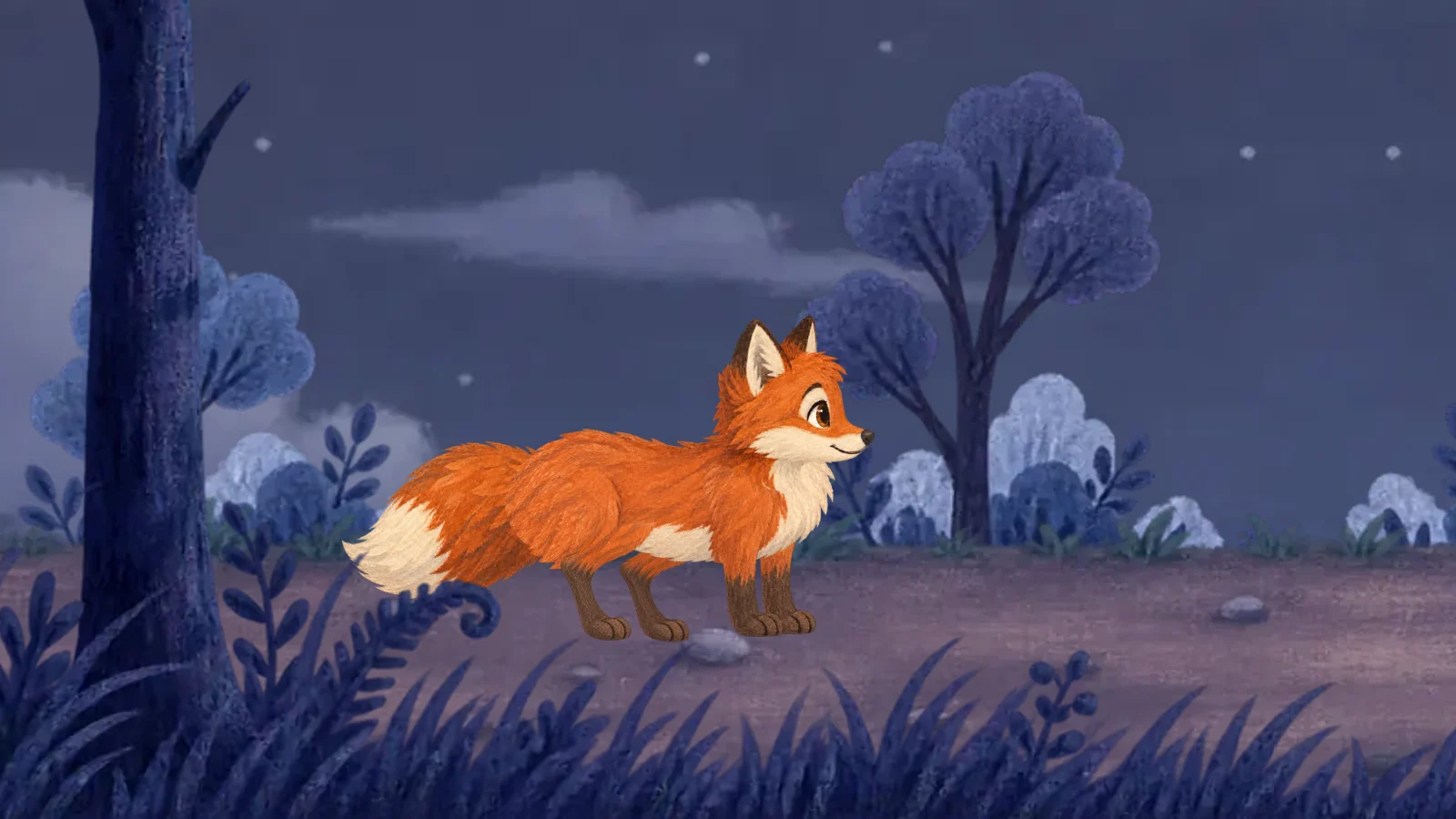
Candidates · adopt to apply
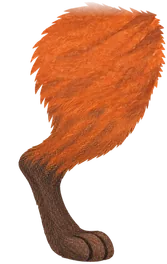
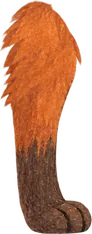
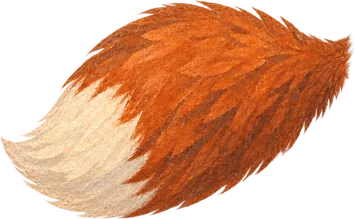
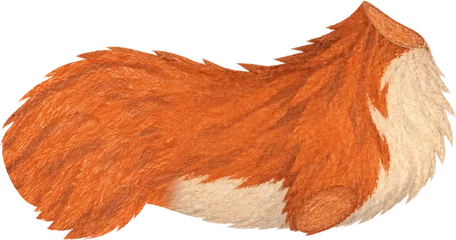
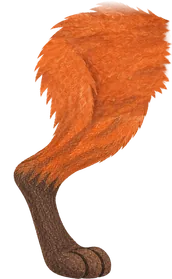
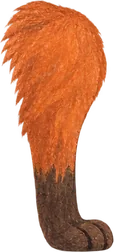

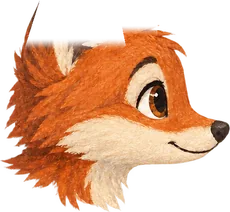
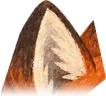
- 2–6 layers. A language model plans the layers from your picture and what you asked for.
- Peeled front to back. An image model draws a mask and an erase for each layer; trusted code then cuts the layer from the picture’s own pixels, so nothing is redrawn at a different size.
- Flat-colour artwork needs no image model: its layers are cut by colour.
- Checked before you adopt. Each layer’s automatic check flags leftovers, such as a faint copy of a part in the layer behind it.
- Asked first. AI separation uses AI models, so it is part of the Agent subscription, which opens soon; it never runs without your confirmation.
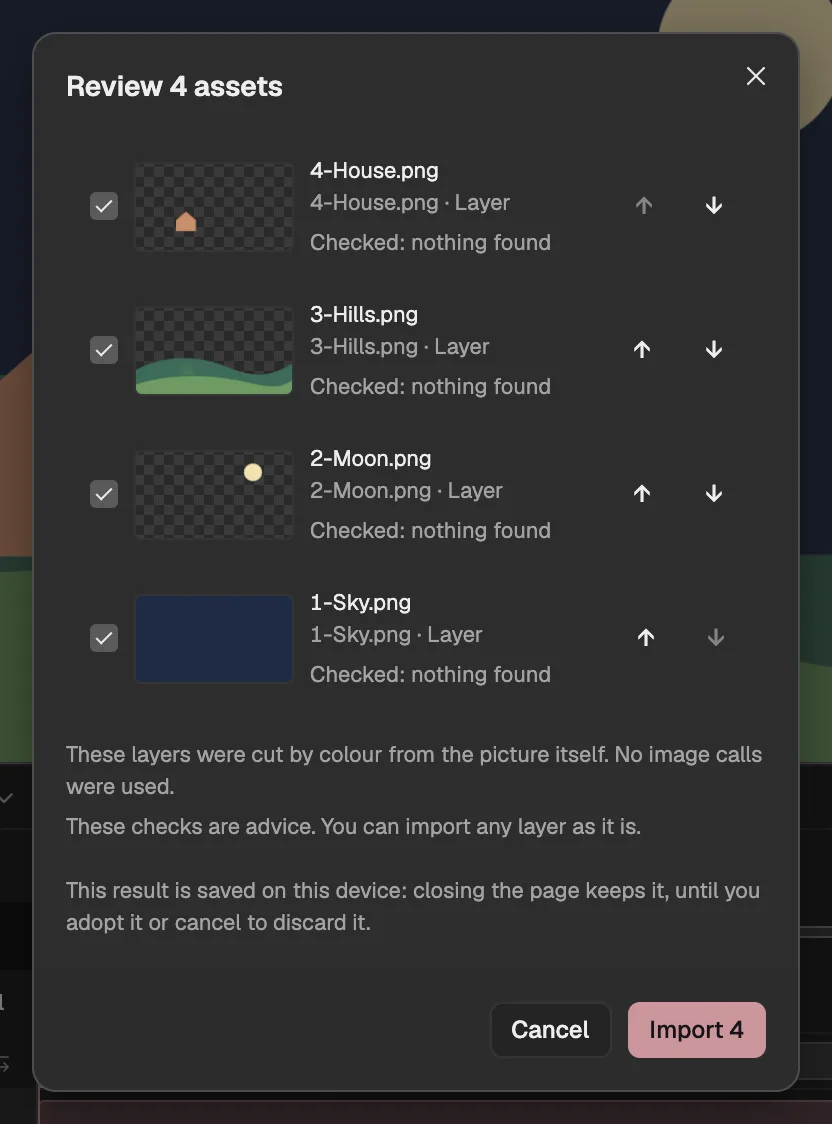
- A layer the plan named, cut by colour.
- Its automatic check: cut by colour, no image call.
- Import the layers you keep.
Then animate the layers
The layers land in your project as ordinary image layers, inside the picture’s own composition. Give a character bones and IK (opens in a new tab), set keyframes on any property, or ask the Agent (opens in a new tab) to animate them. The step-by-step guide takes one picture all the way to a GIF.
Questions
- Is my picture uploaded?
- Not for the free cut: the subject model and LaMa run in your browser and the picture never leaves your device. AI separation sends only that layer and a snapshot of the composition to the models, after you confirm.
- Do I need an account?
- No, the free cut works without an account. AI separation needs an account and the Agent subscription, which opens soon.
- What pictures work best?
- A clear subject in front of a background, in any style: painted, flat, anime or a photo. Very small shadows under feet can be missed and stay on the background; LaMa paints at 512 pixels square, so a very large hole fills in softer than the rest of the picture.