Real light and shadow on flat artwork
Set flat pictures apart in depth, add a light, and every layer casts its own shape on the ones behind it.
A light crosses seven sheets of paper
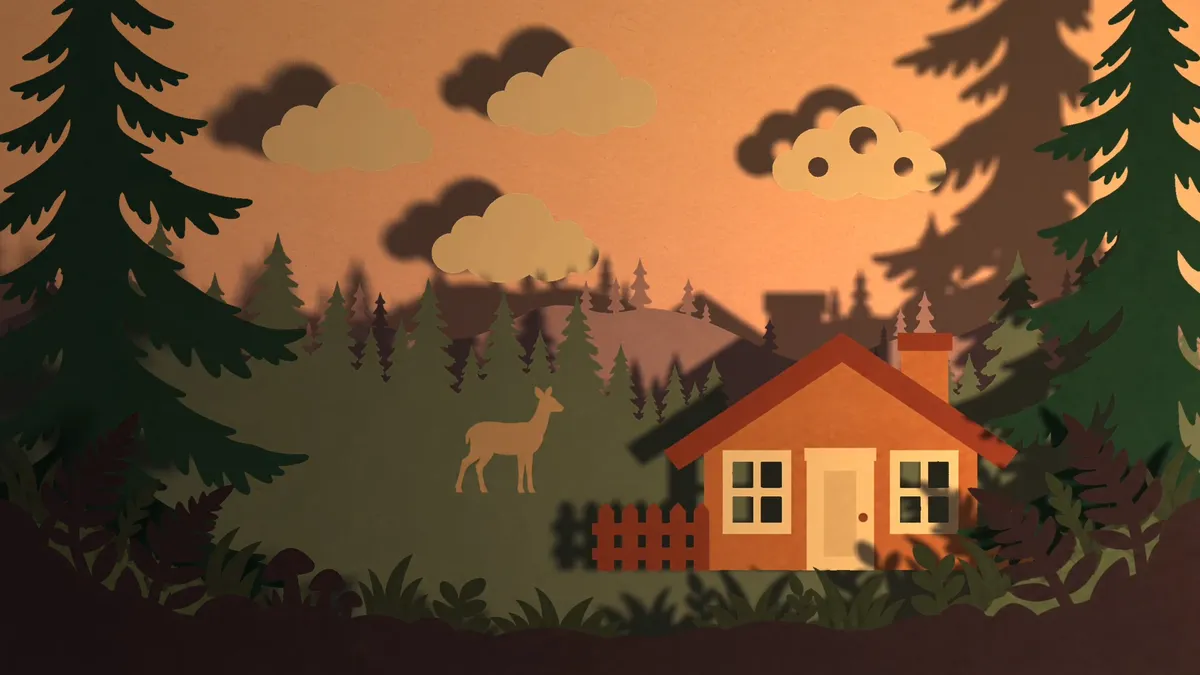
Seven flat pictures, set in depth and lit by one warm light moving from left to right.
Exported from the editor at 1080p and shown here as a smaller copy; with reduced motion it stays on its first frame.
More detail
The film is the editor’s own export, cut down for the web. The Agent set the seven pictures in depth, added a warm point light and a cool ambient fill, and animated the point light across the scene; each step came as a Draft (opens in a new tab) that was previewed, then applied. Nothing was painted afterwards: every shadow is computed from the shapes of the layers in front of it.
Seven flat pictures, nothing more
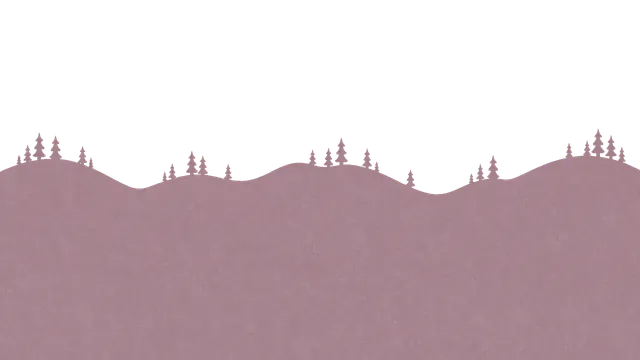
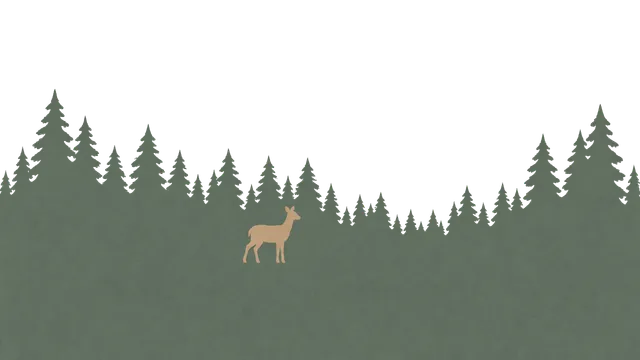
Each layer is a flat picture with transparent cut-outs; no light or shadow is drawn into any of them.
- Sky

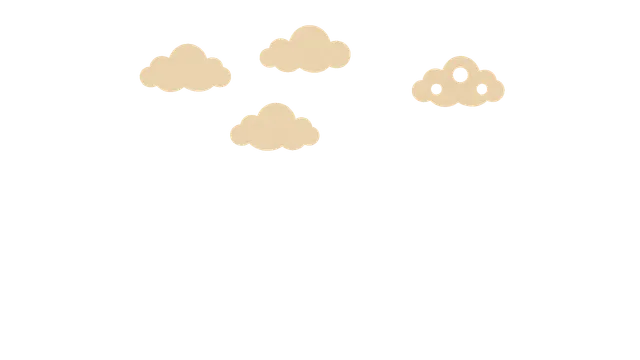
- Clouds
- Hills
- Far forest
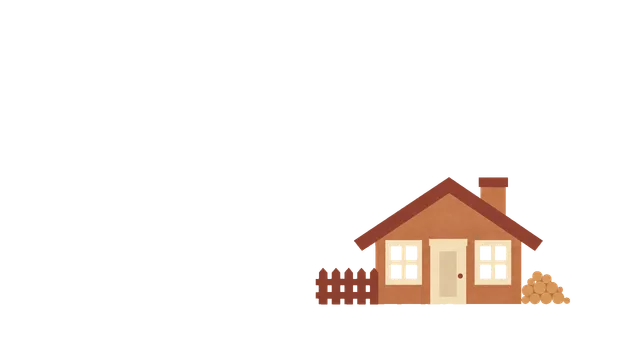
- Cabin
- Near trees
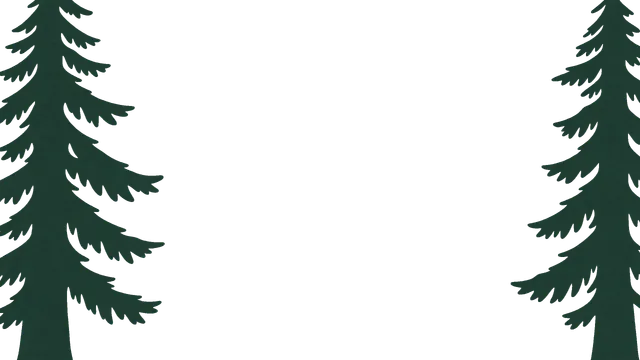
- Foreground
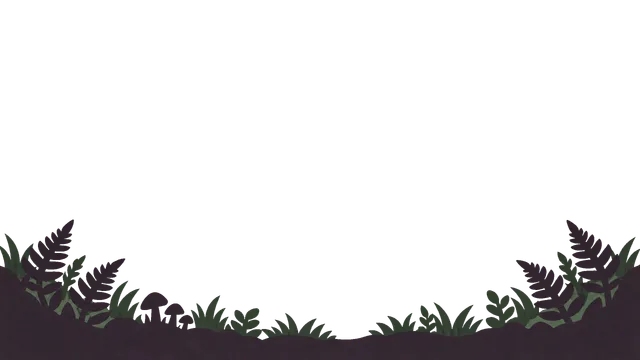
More detail
The pictures were made with an image generator outside Keyframe, as flat coloured paper with no light, shading or shadows painted in, then imported as seven layers. In Keyframe each became a 3D layer (opens in a new tab) at its own distance, like sheets in a shadow box: the sky at the back, the ferns at the front. The windows of the cabin and the round holes in one cloud are transparent, and the light goes through them.
Shadows follow the light
Move the light and every shadow moves, lengthens and softens with it.
- Light at the left
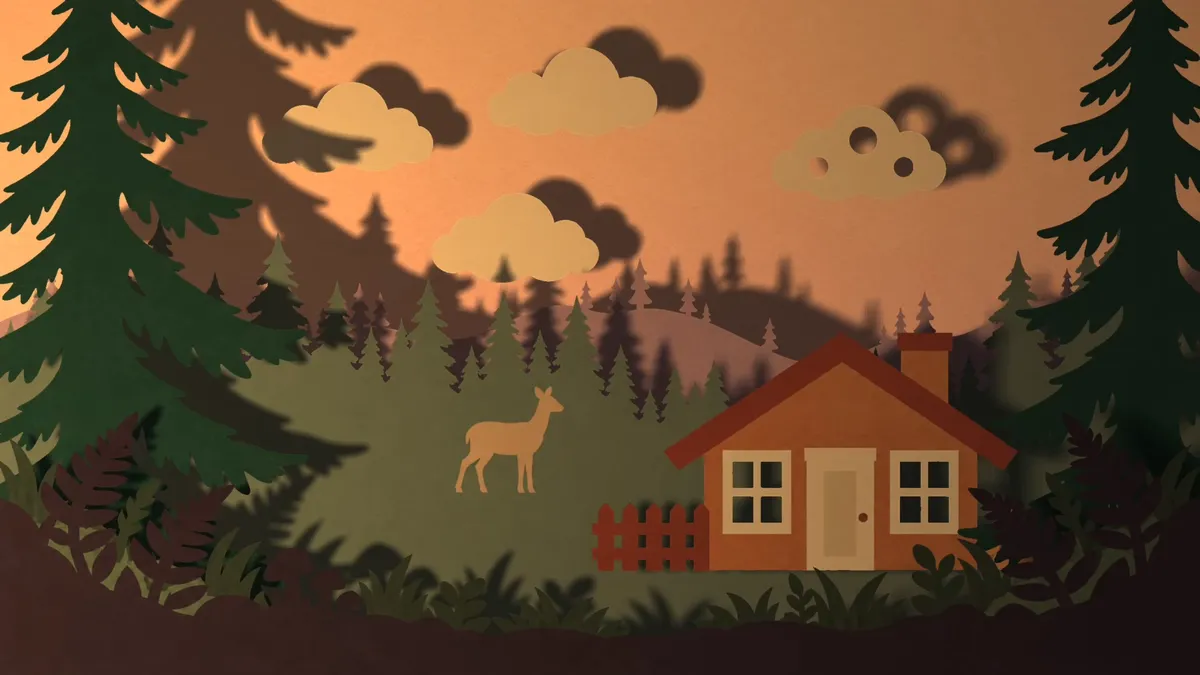
- Light in front
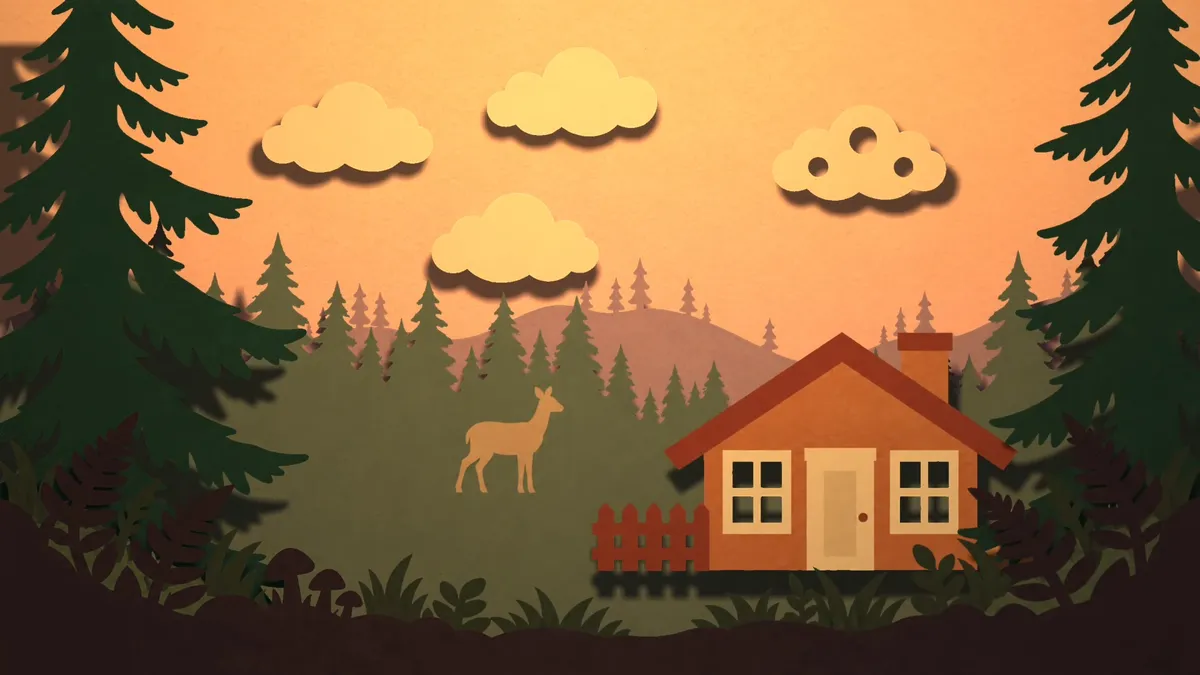
- Light at the right
More detail
- Point, spot and parallel lights cast shadows; an ambient light lifts the dark sides without a direction. Each light has its colour, brightness and falloff, and all of them can be keyframed.
- A layer casts the shape of its opaque pixels on the layers behind it, and light passes through its transparent parts, so cut-outs throw patches of light. Shadow darkness and softness are settings of the light.
- The Viewer and an export draw the same frames with the same renderer, so the shadows you watch while you work are the shadows in the file.
- Which layers cast shadows, receive them or take light at all is set per layer, under Material Options (opens in a new tab).
Relief on a single picture
A lit surface lets every pixel of one picture face its own way, so a flat drawing takes light like paper, clay or a face.
More detail
- Rounded outline curls the edges of a layer’s shape away from the light, like thick paper.
- A normal map says which way each pixel faces. Use your own, or make one from the picture: a depth model runs on your device, free, and the picture is not uploaded.
- Self Shadow lets the raised parts of a picture shade its own lower parts, as a nose shades a cheek in low light.
- Fine Detail reads small relief, such as the grain of paper or the weave of cloth, from the picture’s light and dark, where the depth model sees none.
- Everything is described under Lit surfaces (opens in a new tab) in the manual.
Or ask the Agent to stage and light it
Describe the scene and the light, and the Agent sets it up as Drafts you preview and apply.
A recording of the editor playing the same project: the light is a layer with keyframes, like any other.
More detail
The Agent (opens in a new tab) can make layers 3D and set them in depth, add and aim lights, choose the surfaces, make a normal map from depth on your device, and animate the light. Each step is a Draft: you watch it in the Viewer, then apply it or ask for changes. The light it sets is ordinary layers and keyframes, which you can change by hand afterwards. Having the Agent do it belongs to the Agent subscription, which opens soon; lighting a scene yourself is free.
Computed light you can keep or ignore
In 2D animation light is usually painted; Keyframe computes it, as a starting point you can keep, change or switch off.
More detail
In most 2D animation, light is the artist’s work: shading is painted into each picture, and a shadow is a blurred, darkened copy of a layer moved by hand. Game engines compute light, but for models and materials, not for layered artwork on a timeline. Keyframe puts a computed light into an After Effects-style layer editor, so the shadows follow the shapes you drew and move when the light moves.
It is optional. Layers stay 2D and unlit until you make them 3D and add a light, and a composition without lights looks as it always did. Painted light still works alongside: keep the shading in your pictures, add a light only where it helps, and turn off Accepts Lights for a layer that should stay exactly as painted.
What it does not do
It is real-time lighting with shadow maps, not a ray tracer.
More detail
- No ray tracing or global illumination: light does not bounce from one layer onto another, and there is no volumetric light.
- Self Shadow reaches only so far, a quarter of the picture’s longer side towards the light; longer shadows are cut short.
- In grazing light, Self Shadow can leave a hard edge, because the heights it works from are added up from the picture’s slopes.
- Fine Detail reads printed patterns, freckles and painted shading as relief too, since it sees only light and dark.
- A photo already has light in it: its painted-in highlights and shadows fight a new light. Flat artwork drawn without light takes it best.
- Shadow maps are limited in number; lights past the limit cast no shadows. Lighting needs a browser with WebGPU.
Questions
Is it free?
Yes. Lights, shadows, lit surfaces and making a normal map from depth are free in your browser, with no account. Only having the Agent set up and light a scene uses the Agent subscription, which opens soon.
Do I need 3D models?
No. Any picture, text, shape or video layer can be made 3D and lit as it is. Pictures with transparent backgrounds work best, because the shadow takes the shape of the opaque pixels.
Can I relight a photo?
You can, but a photo’s own light stays in it: its shadows and highlights fight a light from another direction. Flat artwork painted without light, such as cut paper or flat colour, takes a new light best.
Is it ray tracing?
No. Each light renders a shadow map and every pixel is lit in real time on your graphics card, so it plays back as you work. Light does not bounce between layers.