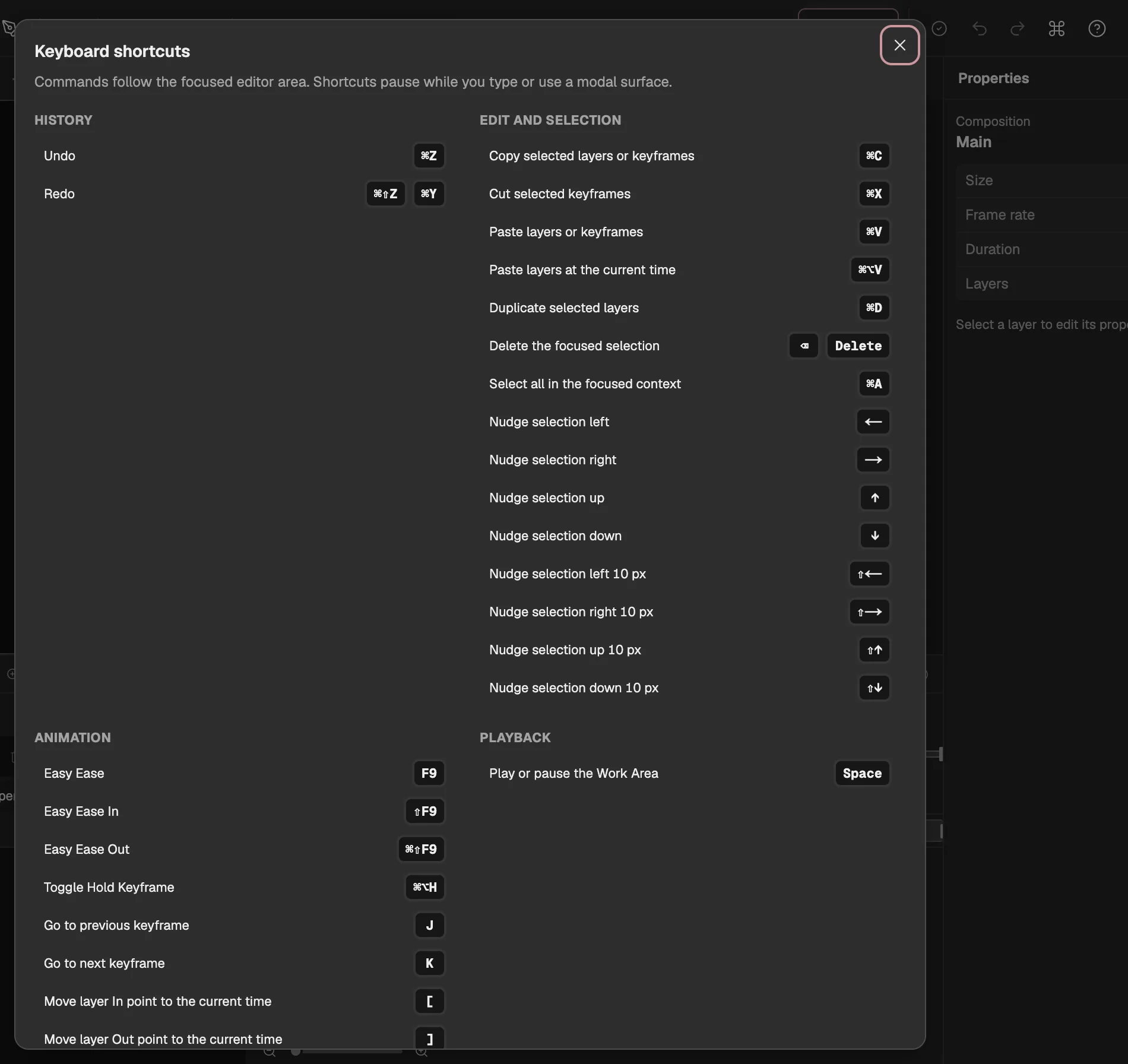
Every key the editor listens for, taken from the editor itself, so this page always matches it.
Keyboard shortcuts
In the editor, Help → Keyboard shortcuts, or ?, shows the same list. A shortcut acts on the area you are working in, and keys are ignored while you type in a field.
123
1Help, in the editor’s header.
2Grouped as on this page.
3Each key as your computer shows it.
History
Action
Mac
Windows and Linux
Undo
⌘Z
Ctrl+Z
Redo
⌘⇧Z⌘Y
Ctrl+Shift+ZCtrl+Y
Edit and selection
Action
Mac
Windows and Linux
Copy selected layers or keyframes
⌘C
Ctrl+C
Cut selected keyframes
⌘X
Ctrl+X
Paste layers or keyframes
⌘V
Ctrl+V
Paste layers at the current time
⌘⌥V
Ctrl+Alt+V
Duplicate selected layers
⌘D
Ctrl+D
Delete the focused selection
⌫Delete
BackspaceDelete
Select all in the focused context
⌘A
Ctrl+A
Nudge selection left
←
←
Nudge selection right
→
→
Nudge selection up
↑
↑
Nudge selection down
↓
↓
Nudge selection left 10 px
⇧←
Shift+←
Nudge selection right 10 px
⇧→
Shift+→
Nudge selection up 10 px
⇧↑
Shift+↑
Nudge selection down 10 px
⇧↓
Shift+↓
Animation
Action
Mac
Windows and Linux
Easy Ease
F9
F9
Easy Ease In
⇧F9
Shift+F9
Easy Ease Out
⌘⇧F9
Ctrl+Shift+F9
Toggle Hold Keyframe
⌘⌥H
Ctrl+Alt+H
Go to previous keyframe
J
J
Go to next keyframe
K
K
Move layer In point to the current time
[
[
Move layer Out point to the current time
]
]
Trim layer In point to the current time
⌥[
Alt+[
Trim layer Out point to the current time
⌥]
Alt+]
Playback
Action
Mac
Windows and Linux
Play or pause the Work Area
Space
Space
View
Action
Mac
Windows and Linux
Zoom in
+
+
Zoom out
−
−
Fit or reset the focused view
0
0
Show animated properties (U)
U
U
Show modified properties (UU)
UU
UU
Show selected properties (SS)
SS
SS
Expand / collapse property groups
⌘`
Ctrl+`
Show Anchor Point
A
A
Also show Anchor Point
⇧A
Shift+A
Show Position
P
P
Also show Position
⇧P
Shift+P
Show Scale
S
S
Also show Scale
⇧S
Shift+S
Show Rotation
R
R
Also show Rotation
⇧R
Shift+R
Show Opacity
T
T
Also show Opacity
⇧T
Shift+T
Tools
Action
Mac
Windows and Linux
Selection tool
V
V
Hand tool
H
H
Zoom tool
Z
Z
Rotation tool
W
W
Pan Behind tool
Y
Y
Shape tool
Q
Q
Text tool
T
T
Pen tool
G
G
Camera Orbit tool
1
1
Camera Pan tool
2
2
Camera Dolly tool
3
3
Brush tool
B
B
Clone Stamp tool
C
C
Eraser tool
E
E
Mesh tool
P⌘P
PCtrl+P
Bone tool
J
J
Roto Brush tool
R
R
Press the pen or shape key again to go through its kinds.
Help
Action
Mac
Windows and Linux
Show keyboard shortcuts
?
?
Open command palette
⌘K
Ctrl+K
Keys for the moment
These work only during a gesture or in one place, so the list above leaves them out.
Action
Mac
Windows and Linux
Cancels what you are doing: a drag, a selection box, a pen path in progress or a number you are dragging.
Esc
Esc
Finishes the pen path you are drawing.
Enter
Enter
In the Timeline, switches the layer columns between Switches and Modes.